Contractor Reporting Software: What to Look For
Contractor reporting software turns job costs, production, and sales data into one clear view. Book a personalized LeadFlow demo to see it in action.
Contractor reporting software is the tool home improvement companies use to turn scattered job data — leads, estimates, payments, materials, and production updates — into clear, usable reports. Without it, office staff often rebuild the same numbers in spreadsheets every week, and sales and production teams rarely see the same picture of a job's progress. This guide explains what contractor reporting software actually does, which features matter most, and how a connected workflow CRM like LeadFlow brings reporting into the everyday work of running jobs.
Quick answer: Contractor reporting software connects job data from sales, estimating, materials, and production into one dashboard, so owners and office staff can see profitability and progress without rebuilding spreadsheets every week.
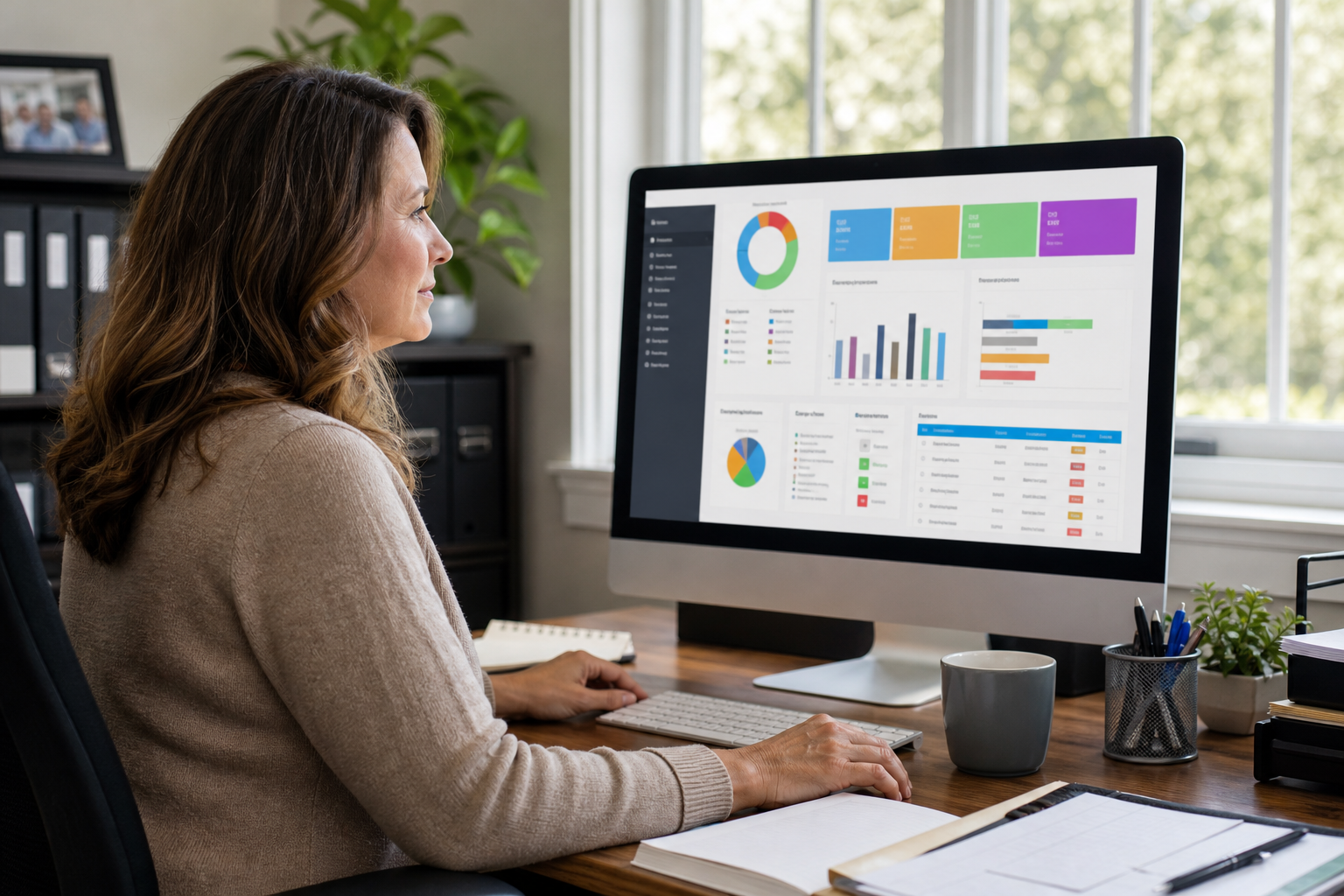
Contractor reporting software gives office staff a live view of job performance instead of manual spreadsheets.
What Is Contractor Reporting Software?
Contractor reporting software is a system that gathers job information from every stage of a project and turns it into usable reports. In particular, it tracks sales activity, estimate values, payments collected, material costs, and production milestones, then rolls that data into dashboards. As a result, office staff no longer have to pull numbers manually from separate tools or spreadsheets.
For home improvement companies, this typically means reporting is tied directly to jobs rather than isolated sales records. Consequently, a company can see not just how many deals closed, but how profitable each job actually was once materials and labor are factored in.
Why Home Improvement Companies Need Job Reporting Tools
Home improvement work moves through many hands: a sales rep closes the deal, an estimator builds pricing, an office coordinator schedules production, and a crew installs the job. Without shared reporting, each of these roles often tracks progress differently, which creates confusion when a customer calls asking for an update.
Furthermore, owners need visibility into which jobs are profitable and which are quietly losing money to material overruns or scheduling delays. According to the U.S. Census Bureau's County Business Patterns data, the construction sector includes well over three million establishments nationwide, meaning most companies compete in a crowded, thin-margin market where tracking job costs closely matters.[1] In this environment, reporting is not a luxury; it is how a company protects its margins.
Key Features to Look for in Contractor Reporting Software
Not every CRM reports the same way. Therefore, it helps to know which features actually matter before comparing options.
Job Costing and Profitability Tracking
Job costing connects estimates, material spend, and payments to a single job record, so true profitability becomes visible without manual math.[2] Specifically, look for software that updates these numbers automatically as a job progresses, rather than requiring a monthly reconciliation.
Production Milestones and Job Board Visibility
Beyond financials, reporting should also show where each job stands physically. A TV job board, for example, gives production crews a shared view of milestones without needing a phone call to the office. Similarly, automatic production job creation when a sale is recorded removes a manual handoff step that often causes delays.
How to Set Up Reporting Across Sales and Production
Setting up contractor reporting software is a process, not a single switch to flip. Below is a practical sequence many home improvement companies follow:
- Map your current job stages. List every stage a job moves through today, from first call to final payment.
- Migrate existing leads and jobs. Move historical records from spreadsheets or a previous CRM so reporting starts with accurate data.
- Configure estimates and job costing fields. Set up templates and cost categories so material and labor data flow into reports automatically.
- Connect production handoffs. Configure the system so a production job is created automatically once a sale is recorded.
- Train the team and review reports weekly. Run live training, then build a habit of reviewing job costing and milestone reports regularly.
Companies moving off spreadsheets can review how this process works in more detail in this production tracking software guide for contractors.
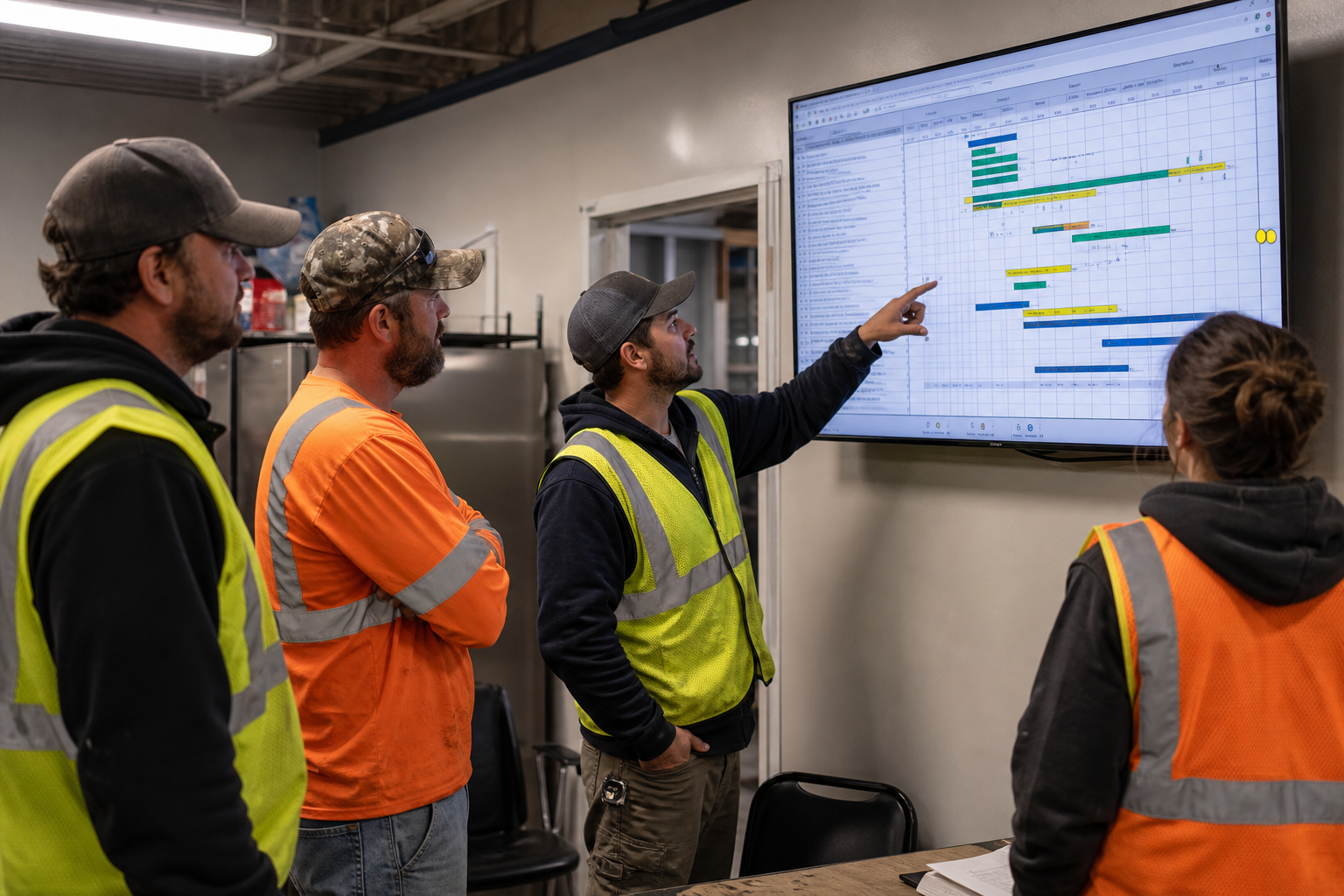
A shared job board helps production crews track milestones without calling the office for updates.
Contractor Reporting Software vs. Spreadsheets
Spreadsheets feel familiar, but they break down quickly once multiple people need to update the same job. For instance, a sales rep might log a deposit while production separately tracks material costs, and the two numbers never meet until someone manually reconciles them.
In contrast, connected reporting software updates once and reflects everywhere automatically. As a result, owners get accurate numbers without waiting for a weekly spreadsheet refresh, and mistakes caused by copy-paste errors largely disappear. For a deeper comparison of CRM flexibility versus manual tracking, see this customizable CRM buyer's guide for contractors.
Choosing the Right Contractor Reporting Software for Your Team
Team size and workflow complexity should guide the decision. A solo operator may only need basic job costing, while a multi-location company needs centralized reporting across branches, users, and crews.
LeadFlow, for example, structures plans around team size: Starter supports up to 3 users, Pro supports up to 10, Business supports up to 25, and Enterprise plans exist for larger or multi-location teams. All plans are offered month-to-month, so there is no long-term contract to commit to before confirming the fit. Onboarding typically includes account configuration, data migration, user setup, and live team training, which matters for reporting accuracy from day one. Related reading: this home improvement CRM guide covering features, cost, and setup breaks down pricing considerations in more depth, and this appointment scheduling software guide for contractors covers the sales-side workflow that feeds into reporting.
Teams that also manage contracts alongside reporting may find this contract management software guide for contractors useful for connecting signatures and reporting data. To see how a connected workflow handles reporting end to end, visit LeadFlow's home page or book a personalized workflow demo.

Reviewing job profitability together helps sales and office teams stay aligned on reporting data.
Frequently Asked Questions About Contractor Reporting Software
What is contractor reporting software?
Contractor reporting software is a system that pulls job data from sales, estimating, payments, materials, and production into reports office staff can use to track performance. It replaces manual spreadsheet rebuilding with live dashboards tied to each job.
How does contractor reporting software differ from a basic CRM?
A basic CRM mainly tracks contacts and deals, while contractor reporting software connects the entire job lifecycle, including production milestones and job costing. This gives a fuller picture of profitability, not just sales activity.
Why do home improvement companies need reporting software?
Home improvement companies juggle sales, estimating, materials, and production crews at the same time, and manual tracking creates errors and delays. Reporting software keeps office, sales, and production staff aligned on the same job data.
Can contractor reporting software track job costing and profitability?
Yes, most contractor reporting software links estimates, material orders, and payments to a job so margins can be calculated automatically. This removes the need to reconcile numbers across separate spreadsheets or paper files.
What features should contractor reporting software include?
Look for job costing, production milestone tracking, sales pipeline reporting, and marketing performance data in one place. A connected workflow CRM, like LeadFlow, also includes automatic handoffs from sale to production.
How much does contractor reporting software cost?
Pricing typically scales with the number of users and features needed, and plans are often offered month-to-month rather than under long-term contracts. LeadFlow, for example, offers Starter, Pro, Business, and Enterprise tiers based on team size.
How long does it take to set up contractor reporting software?
Setup time varies, but done-for-you onboarding that includes configuration, data migration, and training can shorten the timeline considerably. Teams moving from spreadsheets typically need a few weeks to migrate existing leads and jobs cleanly.
Can existing leads and jobs be migrated into new reporting software?
Yes, most modern platforms support migrating leads and jobs from spreadsheets or a previous CRM during onboarding. This preserves historical data so reporting stays accurate from day one.
What common mistakes do companies make when choosing reporting software?
A common mistake is picking a tool that only reports on sales activity while ignoring production and job costing data. Another is underestimating onboarding needs, which leads to incomplete or inconsistent reporting later.
Is company data secure in contractor reporting software?
Reputable platforms give each company an isolated, private workspace so job and customer data stays separate from other businesses. It is worth confirming this isolation directly with any vendor before migrating data.
Does contractor reporting software work for multi-location companies?
Yes, platforms with Enterprise-level plans are typically built to support larger teams or multiple locations with centralized reporting. This allows leadership to compare performance across branches from one dashboard.
What training is included when adopting contractor reporting software?
Onboarding often includes live team training alongside account configuration and user setup, so office, sales, and production staff all learn the workflow together. This reduces the adjustment period after launch.
Can reporting software connect estimates, payments, and materials to one job?
Yes, a connected workflow CRM links estimates, signatures, deposits, and material orders to the same job record automatically. Material orders can even be emailed and tied directly to the relevant job.
What reporting capabilities matter most for production crews?
Production crews benefit most from milestone tracking and visual job boards, such as a TV job board, that show status at a glance. This keeps crews focused without needing to dig through spreadsheets or call the office.
Can the reporting workflow be reviewed before committing to new software?
Most vendors allow teams to walk through their current process during a demo before making a decision. This lets a company confirm the software matches how their jobs actually move from sale to completion.
In summary, contractor reporting software gives home improvement companies one trustworthy view of job performance, from the first call through final payment. Rather than reconciling spreadsheets across sales, office, and production teams, a connected workflow brings job costing, milestones, and payment data together automatically. Companies evaluating options should prioritize job costing accuracy, production visibility, and straightforward onboarding. For teams ready to see how this works with their own process, LeadFlow offers a personalized workflow demo built around how the team currently handles jobs today.
