CRM Data Migration Services for Home Improvement Teams
CRM data migration services help home improvement companies move leads and jobs safely. See how LeadFlow migrates data and book a workflow demo today.
CRM data migration services help home improvement companies move their leads, jobs, estimates, and payment history from an old system or a messy spreadsheet into a new, connected platform safely. Switching tools can feel risky, especially when years of customer information are on the line. However, with a clear plan, this transition does not have to mean lost records or a stressful few weeks for the office. Below, we cover exactly what happens during a migration, what can go wrong, which CRM platforms are easiest to move from, and how to choose a provider that gets it right the first time.
In short: CRM data migration services transfer existing leads, jobs, estimates, signatures, and payment records into a new CRM through a structured process of auditing, mapping, cleaning, and verifying data. For home improvement companies specifically, a properly planned migration keeps job history intact and lets sales, office, and production teams keep working without interruption or data loss.
What Are CRM Data Migration Services?
CRM data migration services are the people, tools, and processes used to move customer and job data from one system into another. This typically covers leads, contacts, appointment history, estimates, signed documents, and payment records. In particular, a trustworthy migration service does far more than copy files from one place to another. It reviews the data first, removes duplicates, and maps each field so information lands in the right place inside the new CRM, short for customer relationship management, a term describing software used to track interactions with customers over time, as explained on Wikipedia's overview of CRM systems.
For home improvement companies specifically, this often means transferring information out of spreadsheets, paper files, or an older CRM that no longer fits how the business operates. As a result, the goal is simple: keep every job's history connected so nothing gets lost when the team switches tools. Specifically, a homeowner who called about a roof estimate in March should still show up correctly when the crew returns in June for a follow-up project.
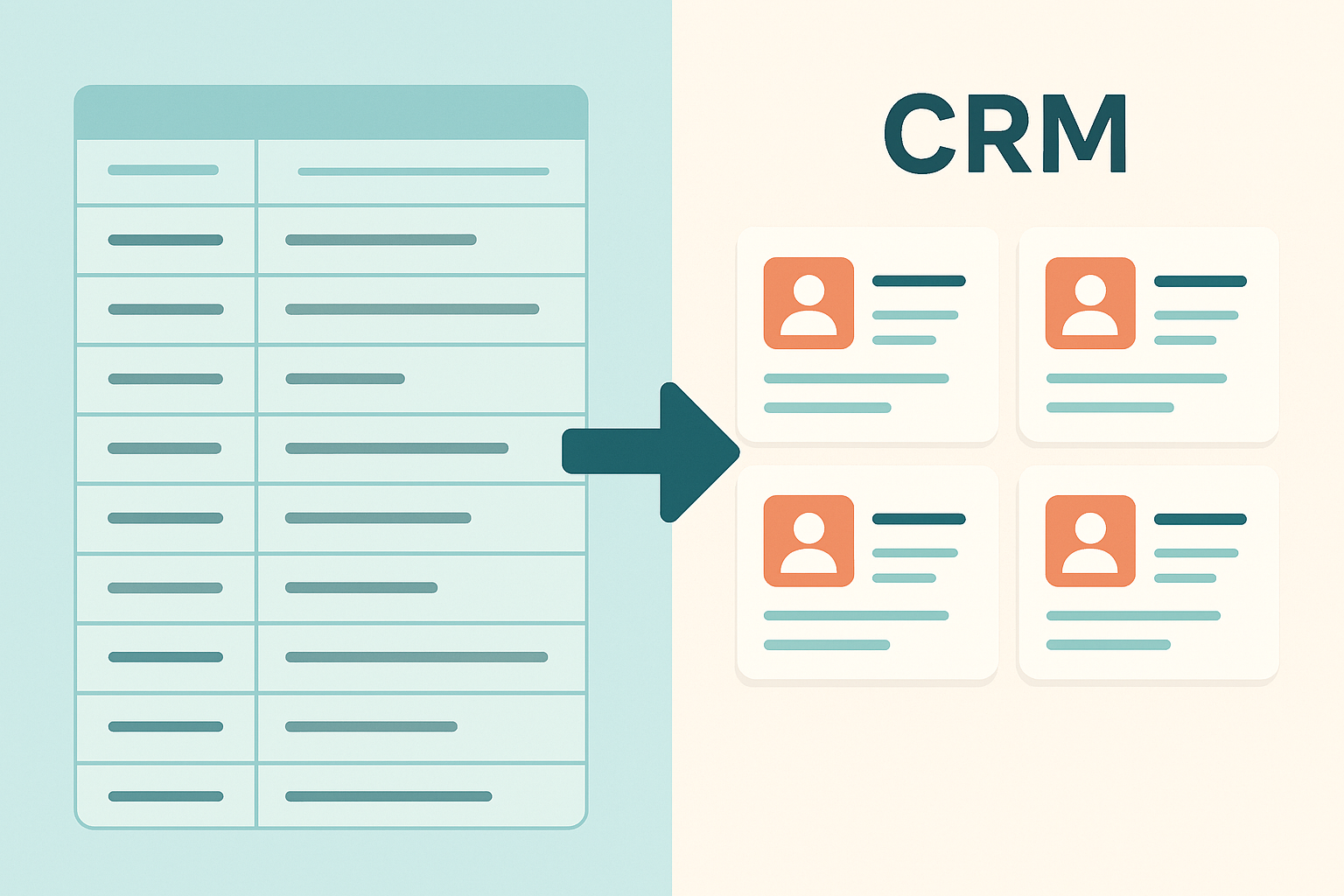
CRM data migration services turn scattered spreadsheet records into organized, searchable job data.
Why Home Improvement Companies Need Reliable CRM Data Migration
Home improvement companies track an unusual amount of detail per job, including measurements, material orders, signed estimates, deposit amounts, and production milestones. Consequently, switching systems without a migration plan often means re-entering months of work by hand. In addition, missing job history can create awkward moments with customers who expect the office to remember details from their last appointment.
Poor data quality is a widespread problem beyond this industry too. According to Gartner research on data quality in business operations, organizations lose an average of $12.9 million per year due to inaccurate or disconnected data. For a smaller home improvement company, that same risk shows up as missed follow-ups, duplicate leads, or estimates that never get billed correctly. Therefore, treating CRM data migration services as a core part of any software switch, rather than an afterthought, protects revenue that is already sitting in the pipeline.
The Real Cost of Delaying a CRM Switch
Some companies put off switching systems because migration sounds complicated. However, every month spent juggling a spreadsheet alongside an outdated CRM adds hidden costs, including duplicate data entry, missed callbacks, and estimates that fall through the cracks. In contrast, a focused migration project, completed in a matter of weeks, usually pays for itself through faster follow-up and fewer lost leads.
What Data Can You Migrate to a New CRM?
Most CRM migrations for home improvement businesses include several categories of information. Specifically, the following records are commonly moved:
- Leads and prospects, including source and contact history
- Appointment and call history
- Estimates, proposals, and signed contracts
- Deposits, invoices, and payment records
- Material order notes tied to specific jobs
- Production status and completion dates
- Change orders and warranty information
- Internal notes and customer communication history
Photos and signed documents can often be included as well, though this depends on whether the original system allows file export. Therefore, it helps to confirm this detail early with whichever provider is handling the move.
CRM Platforms We Support: Migrating From Salesforce, HubSpot, Zoho, and Spreadsheets
Many home improvement companies come from a well-known CRM platform rather than a spreadsheet. For example, teams migrating away from Salesforce, HubSpot, Zoho, Pipedrive, or JobNimbus can typically export their data as CSV files, which a migration specialist then cleans and maps into the new system. Specifically, the export format varies by platform, so it helps to confirm early whether custom fields, tags, or pipeline stages will transfer automatically or require manual mapping.
Spreadsheet migrations tend to be more straightforward, provided that column headers stay consistent across tabs. In contrast, migrating from a legacy desktop CRM or an on-premise database sometimes requires an export tool from the original vendor, which is why asking about platform compatibility before signing a contract saves time later.
Types of CRM Data Migration Explained
Not every migration looks the same. Broadly speaking, CRM data migration services fall into three categories, each with its own level of complexity.
- Spreadsheet-to-CRM migration: Moving leads and jobs out of Excel or Google Sheets into a structured database for the first time.
- CRM-to-CRM migration: Transferring data between two established systems, such as switching from a generic sales CRM to one built specifically for home improvement workflows.
- Legacy-to-cloud migration: Moving data out of an old desktop program or on-premise server into a modern, cloud-based platform that teams can access from the field.
Each type carries its own risks. For instance, spreadsheet migrations often suffer from inconsistent formatting, while CRM-to-CRM migrations risk losing custom fields that have no direct equivalent in the new system. Understanding which category your move falls into helps set realistic expectations for both timeline and cost.
How the CRM Migration Process Works
While every provider approaches migration a bit differently, the underlying steps tend to follow a similar order. For context on the broader concept, Wikipedia's explanation of data migration describes it as the process of transferring data between storage systems or formats, which is exactly what happens during a CRM switch.
- Audit your current data. Begin by auditing every spreadsheet, legacy CRM export, and paper file to identify exactly which leads, jobs, estimates, and payment records actually need to move into the new system.
- Map fields between systems. Match each field from your old system, such as job status, lead source, or deposit amount, to its exact equivalent in the new CRM so nothing lands in the wrong place.
- Clean and de-duplicate records. Remove outdated leads, merge duplicate contacts, and standardize inconsistent formatting across addresses, phone numbers, and job names before any records are moved.
- Run a test migration batch. Migrate a small sample of real leads and jobs first, then have sales, office, and production staff verify every field before continuing further.
- Complete the full migration and verify. Move the remaining records once the test batch passes review, then have each team check their assigned jobs and confirm payment history matches the old system.
Notably, skipping the test batch step is where most migration problems start. A small sample catches mapping errors before they affect the entire company's data.

Testing a small batch of records first helps catch mapping issues early in the process.
CRM Data Migration Checklist: 10 Steps Before Launch Day
Beyond the core migration process, a short pre-launch checklist helps catch gaps that are easy to overlook.
- Export a full backup of your current data before starting anything.
- Confirm which fields are required versus optional in the new CRM.
- Identify duplicate leads and merge them ahead of time.
- Decide whether archived or closed jobs need to be migrated at all.
- Assign one internal point of contact to manage the project.
- Schedule the test batch at least a week before full migration.
- Set a specific launch date and communicate it to the whole team.
- Plan live training sessions close to launch day.
- Keep the old system accessible, read-only, for a short transition period.
- Confirm who to contact if something looks wrong after launch.
Common Mistakes to Avoid During CRM Migration
Even with good intentions, a few recurring mistakes cause most migration headaches. For instance, migrating everything at once without a test run often leads to mismatched fields that are harder to fix after the fact. Similarly, failing to assign one point of contact can result in conflicting instructions and overlooked files.
Another common issue is skipping staff training on launch day. Even a perfectly migrated system creates confusion if sales, office, and production teams are not shown where their information now lives. As the U.S. Small Business Administration notes in its guide to managing a growing business, adopting new technology works best when it is paired with clear processes and team buy-in, not just the software itself.
A third mistake worth mentioning is migrating without a rollback plan. Even with careful preparation, it helps to keep the old system accessible in read-only mode for a few weeks after launch, just in case a record needs a second look.
Data Security and Compliance During CRM Data Migration
Customer data includes sensitive details such as payment information, signed contracts, and home addresses, so privacy matters throughout the process. Specifically, a reputable migration service should be able to explain how data is encrypted during transfer, who has access to it, and how long old exports are retained before being deleted. In addition, companies working with customers in Europe or California should ask whether the new CRM supports data subject requests, a requirement tied to privacy regulations such as GDPR.
Keeping Migrated Data Private Inside Your New CRM
Beyond the migration itself, ongoing data privacy depends on how the new platform is structured. For example, LeadFlow keeps each company inside an isolated, private workspace, which means migrated records are never mixed with another business's data. Therefore, asking whether a CRM uses shared infrastructure or isolated workspaces is a reasonable question to raise before migration begins.
CRM Data Migration Services vs. Manual Data Entry
Some companies consider re-entering data by hand instead of using a structured migration process. However, manual entry is slow, prone to typos, and nearly impossible to verify at scale once hundreds of jobs are involved. In contrast, a planned migration uses field mapping and test batches to catch errors before they spread across the whole database.
Manual entry might seem cheaper upfront, especially for a very small lead list. Still, for any company with an active job history, the time saved by a proper migration usually outweighs the effort of typing everything in again.
How Much Do CRM Data Migration Services Cost? Key Pricing Factors
Cost varies based on data volume, system complexity, and whether live training is included. Specifically, four factors tend to drive the price up or down: the number of records being moved, how many custom fields need mapping, whether photos and documents are included, and how much staff training is bundled into onboarding. Many CRM providers, including LeadFlow, bundle migration into onboarding rather than charging separately, so it helps to ask directly what is included in setup before comparing quotes.
Free vs. Paid Migration: What to Expect
Some providers offer migration as a free part of onboarding, particularly when a company commits to a specific plan. Others charge an hourly or flat project fee, especially for complex legacy systems. In contrast, a vague quote without a clear breakdown of included services is a warning sign worth asking about directly.
Signs Your Home Improvement Business Needs Professional CRM Migration Help
Not every company needs outside help with a move. Still, the following signs suggest professional CRM data migration services are worth the investment:
- Your team manages leads across more than one spreadsheet or tool.
- Job history, estimates, or payment records are scattered across multiple systems.
- Nobody on staff feels confident mapping custom fields without help.
- Your current CRM no longer supports how production or sales actually work.
- You are worried about losing signed contracts or payment history in the switch.
If two or more of these sound familiar, working with a dedicated CRM data migration service is almost always safer than attempting the move internally.
How LeadFlow Handles CRM Data Migration for Home Improvement Teams
LeadFlow is a connected workflow CRM built specifically for home improvement companies, covering everything from the first customer call through estimates, signatures, payments, materials, production, and final payment. Onboarding can include account configuration, data migration, user setup, and live team training, so existing leads and jobs can move over from a spreadsheet or a previous CRM without starting from scratch.
Each company works inside an isolated, private workspace, which keeps migrated data separate and secure. Furthermore, once records are in place, LeadFlow automatically creates a production job when a sale is recorded, connects material orders to the relevant job, and displays milestones on a TV job board so office, sales, and production crews stay aligned. To see how this looks in practice, you can view a tour of the workflow or read how other companies handled their migration.

After migration, teams can see every job's status in one place instead of checking multiple spreadsheets.
Choosing the Right CRM Data Migration Partner
When evaluating a provider, it helps to ask a few direct questions: What is included in setup? How is my data kept private during the move? What happens if my team grows after migration? Above all, a trustworthy partner should be able to explain their process in plain language rather than vague promises.
Plans should also scale with the business. LeadFlow, for example, offers Starter plans for up to 3 users, Pro for up to 10, Business for up to 25, and Enterprise options for larger teams or multiple locations, all on a month-to-month basis with no long-term contract required. You can compare plan details on the pricing page before committing to a specific tier.
Questions to Ask Before Signing a Migration Agreement
- What exactly is included in the migration fee, if any?
- How is my data protected during the transfer?
- What happens if my team grows after migration is complete?
- Can I see a sample of my own data migrated before full launch?
- Who do I contact if something looks wrong after go-live?
Post-Migration Support: What Happens After Launch
Migration does not end the moment data lands in the new CRM. Specifically, the weeks immediately following launch are when small mapping errors tend to surface, as staff start using the system for real jobs. Therefore, a good provider stays available for questions during this window rather than disappearing after the handoff. In addition, ongoing support, such as help adding new fields or adjusting workflows, matters just as much as the initial move for a smooth long-term fit.
Reviewing the Workflow Before You Commit
Before scheduling a full migration, it is reasonable to ask for a walkthrough of how the new system will handle your specific data. Many companies find it useful to review the workflow directly and ask how a sample of their own leads or jobs would appear once migrated. This step reduces surprises and gives office staff a preview of what launch day will actually look like.
Ultimately, a short demo focused on your team's current process tends to reveal more than a generic product tour. Because every home improvement company tracks jobs a little differently, seeing your own workflow mapped out is the clearest way to judge whether a migration will go smoothly.
Frequently Asked Questions About CRM Data Migration Services
What are CRM data migration services?
CRM data migration services move your leads, jobs, contacts, and job history from an old system or spreadsheet into a new CRM without losing information. They typically include data cleanup, field mapping, testing, and verification before the old system is retired.
How long does CRM data migration take?
Most small to mid-sized home improvement companies complete migration within one to three weeks, depending on data volume and how organized the original records are. Larger or multi-location teams with years of job history may need additional time for cleanup and verification.
Can I migrate data from a spreadsheet to a CRM?
Yes, spreadsheets are one of the most common sources for CRM migration. As long as columns are reasonably consistent, leads, jobs, and contact details can be mapped directly into the new system's fields.
Will I lose data during a CRM migration?
Data loss is avoidable with a careful migration plan that includes a test batch, field mapping review, and a final verification step before switching over fully. Skipping these steps is the most common reason records go missing.
How much do CRM data migration services cost?
Cost varies based on data volume, system complexity, and whether live training is included. Many CRM providers, including LeadFlow, bundle migration into onboarding rather than charging separately, so it helps to ask directly what is included in setup.
What is the difference between CRM data migration and data import?
Data import usually refers to a one-time upload of a single file, while migration is a broader process covering multiple data types, cleanup, mapping, and validation across an entire system switch. Migration is generally more thorough and better suited to full CRM transitions.
Do I need technical skills to migrate CRM data?
No, most reputable providers handle the technical mapping and cleanup on your behalf as part of onboarding. Your team's main responsibility is usually gathering the source files and confirming the migrated records look correct.
What CRM data can be migrated for home improvement companies?
Typical records include leads and prospects, appointment history, estimates, signed contracts, payment history, job statuses, and material order notes. Photos and attached documents can often be migrated as well, depending on the source system.
How does LeadFlow handle data migration during onboarding?
LeadFlow's onboarding can include account configuration, data migration, user setup, and live team training so existing leads and jobs move over from a spreadsheet or previous CRM. Each company works within an isolated, private workspace during this process.
What happens to historical job records during migration?
Historical job records, including completed and in-progress jobs, are mapped into the new system so production history and job costing data remain accessible. This allows office and production teams to reference past work without starting from zero.
Can migrated data include photos and signed documents?
In many cases, yes. Photos, signed estimates, and related attachments can be included in a migration plan as long as the source system allows file export.
What is the biggest mistake companies make during CRM migration?
The most common mistake is migrating everything at once without testing a small batch first. This often leads to mismatched fields or duplicate records that are harder to fix after the full migration is complete.
How do I prepare my team for a CRM data migration?
Start by assigning one point of contact to gather source files and confirm field mapping. It also helps to schedule live training close to launch day so sales, office, and production staff feel confident using the new system right away.
Can I migrate from Salesforce, HubSpot, or Zoho to a new CRM?
Yes. Most established platforms, including Salesforce, HubSpot, Zoho, and Pipedrive, allow data export as CSV files, which can then be cleaned and mapped into a new CRM. Custom fields and pipeline stages usually need manual review to transfer correctly.
Will my team experience downtime during CRM data migration?
Downtime is usually minimal when a test batch and staged rollout are used. Teams can typically keep using the old system until the full migration is verified, which avoids a hard cutoff that halts daily work.
Is my data secure and private during CRM data migration?
A reputable provider encrypts data during transfer and limits who can access it. Platforms like LeadFlow also keep each company inside an isolated, private workspace so migrated records never mix with another business's data.
Final Thoughts on Planning Your CRM Data Migration
In summary, CRM data migration services exist to make switching systems safer and far less stressful for a home improvement company's office, sales, and production teams. By auditing existing data, mapping fields carefully, testing a small batch first, and training the full team before launch, most companies can move their leads and job history without losing a single record. Above all, choosing a provider that includes migration, setup, and training as part of onboarding, rather than treating it as an afterthought, makes the whole transition smoother. If your team is ready to see how this would work with your own data, you can book a personalized workflow demo and walk through the process before committing to anything.