CRM for Roofing Companies: Connect Every Job Stage
Looking for a CRM for roofing companies? LeadFlow connects leads, estimates, signatures, payments, and production in one workflow. Book a demo.
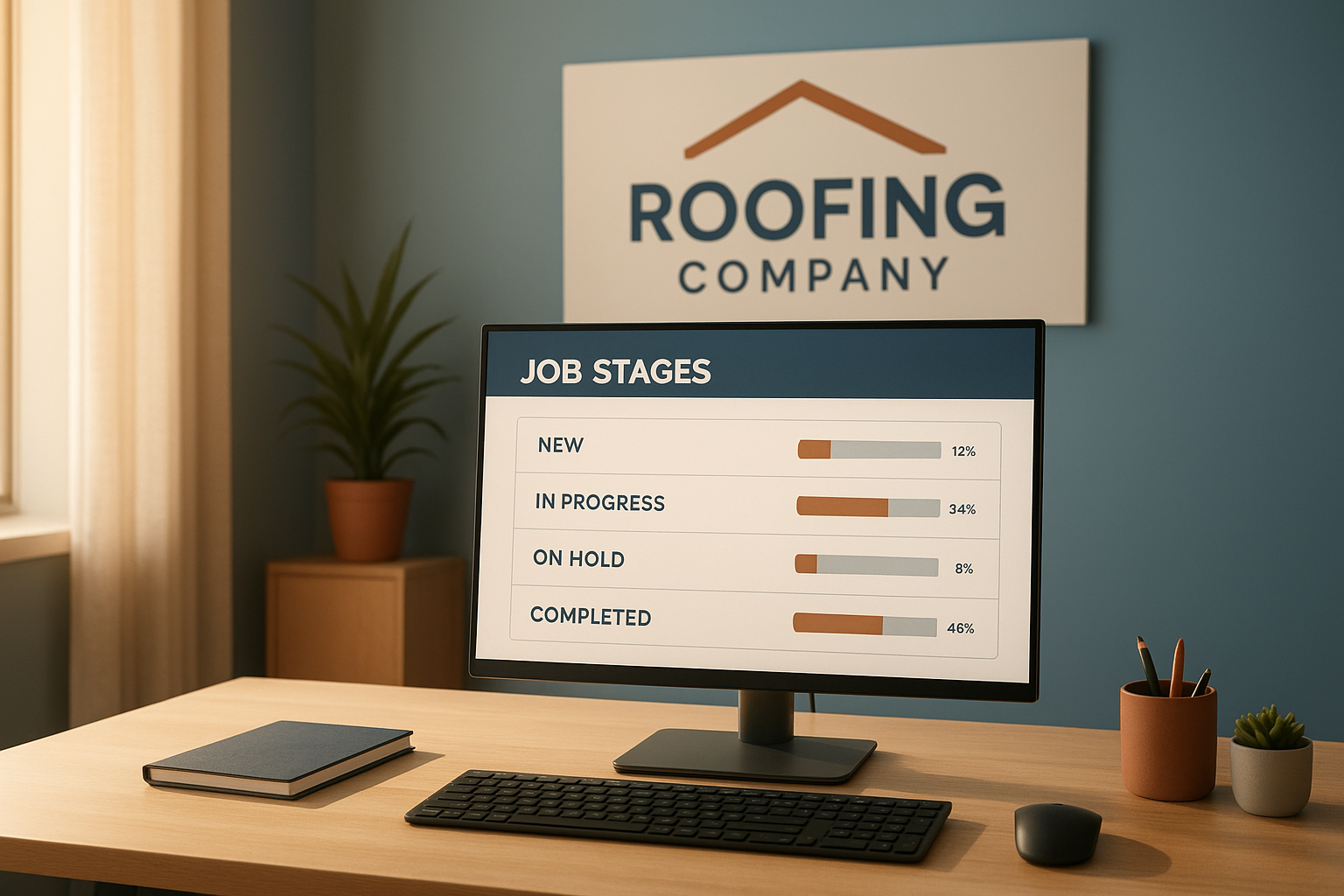
A CRM for roofing companies is the system that ties lead intake, appointments, estimates, and production together so a job never stalls between departments. Instead of chasing paper estimates or switching between five apps, a roofing office, sales team, and crew can work from the same job record. This matters because roofing work moves fast: a missed material order or a lost signature can delay an entire install schedule.
Roofing companies lose time when leads, estimates, and job files live in separate tools. In fact, the U.S. Bureau of Labor Statistics projects continued demand for roofing labor in the years ahead, which means offices need software that keeps pace with growing crews rather than adding more manual steps.
A CRM for roofing companies keeps leads, estimates, and jobs visible in one dashboard.
What Is a CRM for Roofing Companies?
A CRM for roofing companies is software that organizes customer information, appointments, estimates, and production details around each job instead of around separate spreadsheets. In short, it is the operational hub a roofing business uses from the first phone call to the final invoice.
Unlike a basic contact list, a workflow-focused roofing CRM also tracks what happens after the sale. For example, it can generate a production job automatically, send material orders tied to that job, and show crew progress on a shared job board. As a result, office staff, sales reps, and installers all reference the same record instead of relying on side conversations.
Why Roofing Contractors Need a Connected Workflow
Roofing contractors juggle inspections, insurance paperwork, material lead times, and weather delays all at once. Consequently, a disconnected set of tools, such as a separate scheduling app, a paper estimate book, and a spreadsheet for production, tends to create gaps where jobs slip through.
A connected workflow reduces that risk. When an estimate is signed, the payment and material order can reference the exact same job, so nothing has to be retyped. Similarly, when a crew marks a milestone complete, the office can see it immediately rather than waiting for a phone update. This kind of visibility is especially useful for growing teams that no longer fit comfortably around one shared inbox.
For a broader look at how this applies across home improvement trades, see this comparison of home improvement CRM options.
Key Features of Roofing Company Software
Not every CRM feature matters equally to a roofing business. Specifically, a few capabilities tend to make the biggest difference in day-to-day operations.
- Lead and prospect tracking with call queues so no inquiry is missed.
- Online estimates with photos and e-signatures to speed up approvals.
- Deposit and payment collection tied directly to the job record.
- Job-linked material ordering sent straight from the production file.
- A shared production board with milestones crews and the office can both see.
- Reporting on job costing and marketing performance.
According to general software research summarized by Wikipedia's overview of customer relationship management, CRM systems are built specifically to centralize customer interactions across departments, which is exactly the problem roofing offices face when sales and production use separate systems.

Online signatures keep estimates moving without printed paperwork.
How a Roofing Job Flows Through LeadFlow
LeadFlow is a connected workflow CRM built for home improvement companies, including roofing contractors. Rather than treating sales and production as separate systems, it follows one job record from the first call to the final payment. Here is how that sequence typically works.
- Capture and qualify the lead, then assign it to a sales rep or call queue so follow-up starts right away.
- Schedule the inspection or estimate appointment on a shared calendar visible to office staff and the rep.
- Build the estimate with photos and pricing, then send it for an online signature to approve the project.
- Record the sale, which automatically generates a production job carrying over the estimate and materials list.
- Send the material order by email directly from the job and schedule the crew on the production board.
- Track milestones on the TV job board, then collect the final payment once the roof is complete.
Because each step references the same job, there is no need to re-enter customer details or hunt for a paper file. Furthermore, existing leads and jobs can be migrated from spreadsheets or a previous CRM, so switching systems does not mean starting from zero.
Choosing the Right CRM for Roofing Companies
When comparing a CRM for roofing companies, it helps to think about where time is currently being lost. For instance, if estimates sit unsigned for days, prioritize e-signature and online approval features. If material orders get missed, prioritize job-linked ordering instead.
Team size matters too. A three-person crew has different needs than a 25-person multi-crew operation with several locations. Therefore, look for plans that scale cleanly as the business adds users, rather than forcing a disruptive migration later. For a deeper breakdown of features, costs, and setup expectations, this home improvement CRM guide covers the full picture.
It is also worth checking how a provider handles data privacy. Each company should operate in its own isolated, private workspace so customer and job information never mixes with another business using the same platform.
LeadFlow Plans and Pricing for Roofing Teams
LeadFlow offers month-to-month plans, with cancellation available at any time instead of a long-term contract. Starter supports up to 3 users, Pro supports up to 10, and Business supports up to 25. Enterprise plans are available for larger teams or companies operating across multiple locations.
Onboarding can include account configuration, data migration, user setup, and live team training, so the office, sales, and production teams learn the system together. To see how this applies to broader project management needs, review this guide to managing home improvement projects.

A shared job board keeps production crews aligned with the office.
Frequently Asked Questions About CRM for Roofing Companies
What is a CRM for roofing companies?
A CRM for roofing companies is software that organizes leads, appointments, estimates, signatures, payments, materials, and production in one connected system. It replaces scattered spreadsheets and paper files with a single workspace office, sales, and crews can all see.
How much does a roofing CRM cost?
Pricing usually depends on the number of users and features included. LeadFlow, for example, offers month-to-month plans sized for teams of 3, 10, or 25 users, plus Enterprise options for larger or multi-location companies.
Can a roofing CRM replace spreadsheets?
Yes, most roofing CRMs are built to replace spreadsheets and disconnected tools entirely. Existing leads and jobs can typically be migrated during onboarding so no historical data is lost.
What happens if my roofing team grows?
A good CRM for roofing companies should scale with the business. LeadFlow, for instance, moves teams from Starter to Pro, Business, or Enterprise plans as user counts and location needs increase.
Is company data private in a shared CRM platform?
In a properly built multi-tenant CRM, each company operates in an isolated, private workspace. Customer and job data stays separate from other companies using the same platform.
How is a roofing CRM configured around an existing workflow?
Onboarding typically includes account configuration, user setup, and templates that mirror how the roofing company already handles leads, estimates, and production. Live training then walks the team through the new setup.
Can a roofing CRM connect estimates, payments, and production around one job?
Yes, that connection is the core value of a workflow CRM. When a sale is recorded, a production job can be created automatically, keeping estimate, payment, and installation details tied to the same record.
What is the difference between a general CRM and a roofing-specific CRM?
A general CRM focuses mainly on contacts and deal stages. A roofing-specific CRM adds estimates, material ordering, production milestones, and job costing built around how roofing jobs actually move from sale to completion.
How long does setup take for a roofing company CRM?
Setup time varies by team size and data complexity. Done-for-you onboarding that includes data migration, user setup, and training can shorten the time it takes to go fully live.
Can material orders be tracked by job in a roofing CRM?
Yes, material orders can be emailed directly and linked to the relevant job inside the CRM. This keeps supply details connected to the same record as the estimate and production schedule.
What reporting features matter most for roofing companies?
Job costing, production milestones, and marketing performance reports matter most for most roofing operations. These reports help owners see which jobs and lead sources are performing well.
Is there a long-term contract required for a roofing CRM?
Not with every provider. LeadFlow, for example, offers month-to-month plans with cancellation available at any time, rather than requiring a long-term subscription contract.
Can a roofing CRM be reviewed before booking a demo?
Many providers publish feature overviews, guides, and pricing pages so teams can review the workflow before scheduling a call. A personalized demo then shows how the system fits a specific company's process.
What common mistakes do roofing companies make when choosing a CRM?
A common mistake is choosing software built for generic sales teams rather than home improvement workflows. This often leaves gaps around estimates, material orders, and production handoffs that roofing teams need.
What training is included when switching to a roofing CRM?
Most done-for-you onboarding programs include live team training alongside configuration and data migration. This helps office staff, sales reps, and production crews learn the new system together.
Bringing the Workflow Together
A CRM for roofing companies works best when it connects every step instead of handling just one piece, such as leads or estimates alone. Above all, the goal is keeping office staff, sales reps, and production crews aligned from the first call through final payment, with less duplicate data entry along the way.
If a roofing business is currently juggling spreadsheets, paper estimates, and separate scheduling tools, it may be worth reviewing how a connected workflow could simplify daily operations. Visit LeadFlow or explore leadflowcrm.info to book a personalized workflow demo and see how a single system can handle leads, estimates, payments, materials, and production together.
