Home Improvement Business Management Software Guide
Discover how home improvement business management software connects leads, estimates, payments, and production. Book a personalized demo today.
Home improvement business management software is the system contractors use to keep leads, estimates, payments, and production schedules working together instead of scattered across spreadsheets and sticky notes. For small crews and growing companies alike, this kind of connected system reduces duplicate data entry and keeps office staff, sales reps, and production teams looking at the same information. In this guide, we will break down what this software actually does, which features matter most, and how a workflow CRM fits into a home improvement company's day-to-day operations.
What Is Home Improvement Business Management Software?
Home improvement business management software is a digital platform that connects every stage of a contracting job, from the first customer call through estimates, signatures, payments, materials, and production, inside a single system. Instead of juggling separate tools for scheduling, invoicing, and job tracking, teams work from one shared record for each customer and project.
Most platforms combine a customer relationship manager, or CRM, which is simply a system for tracking customer interactions, with job-specific tools like estimate builders, material ordering, and production boards. For example, LeadFlow is a workflow CRM built specifically for home improvement companies that links lead intake, appointments, estimates, signatures, payments, and production milestones around the same job record. As a result, office staff, sales reps, and crews see the same information without re-entering data in multiple places. You can review the full approach on the LeadFlow workflow CRM homepage.
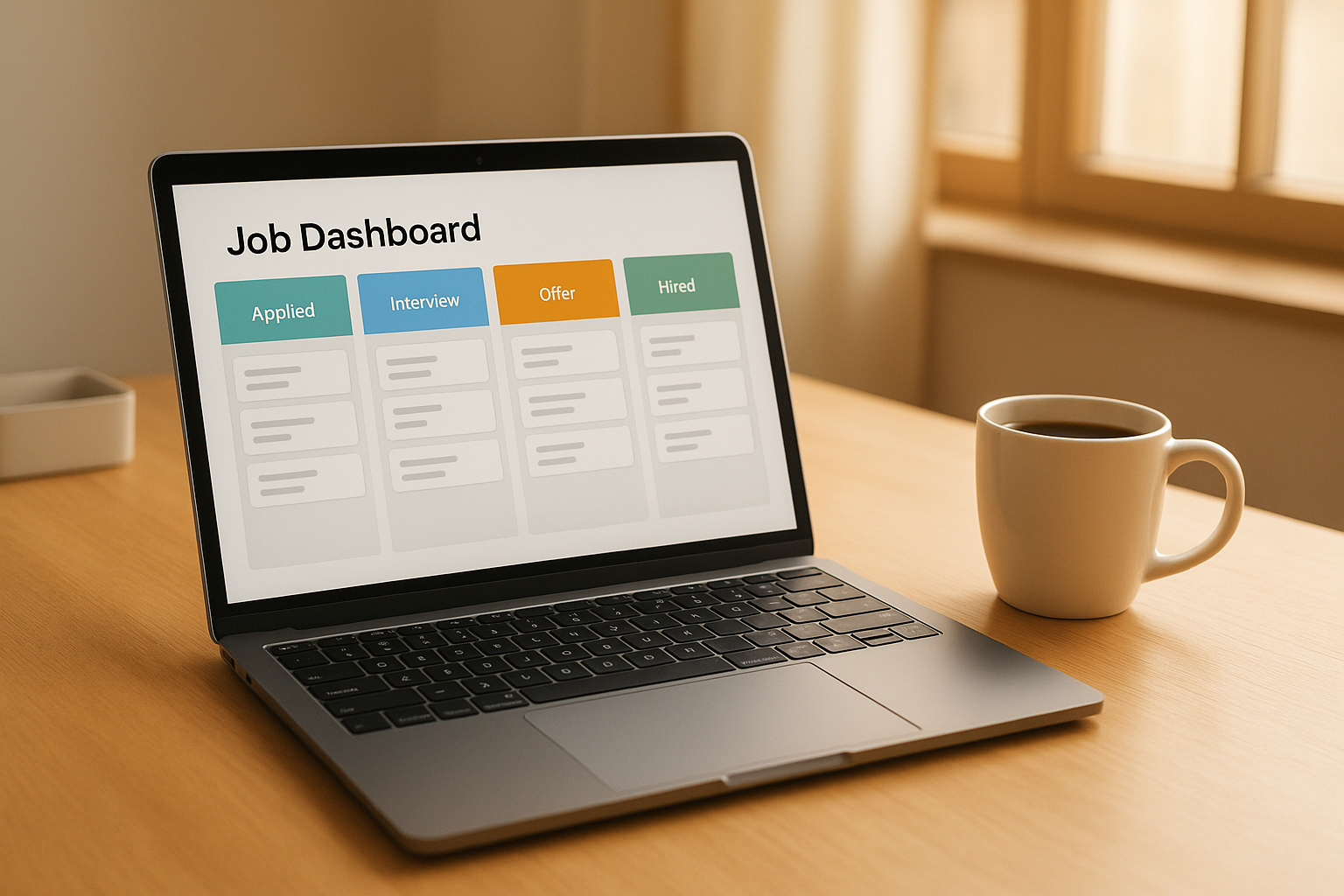
A connected dashboard keeps job stages visible across home improvement business management software.
Why Home Improvement Companies Need a Connected Workflow CRM
Many home improvement companies start with spreadsheets, sticky notes, and a mix of apps for scheduling and invoicing. However, as the number of active jobs grows, that approach tends to break down quickly. Appointments get missed, estimates sit unsigned, and production crews sometimes show up without the materials they need because nobody updated the right file.
In addition, disconnected systems make it harder to see what is actually happening across the business. Industry research on CRM adoption commonly cites an average return of roughly $8 for every $1 invested in connected customer management systems, largely because teams stop losing time on manual data entry and missed handoffs. Therefore, a connected workflow CRM is not just a convenience; it directly affects how many jobs a team can run smoothly at once. You can learn more about customer relationship management as a broader concept on Wikipedia's CRM overview.
Core Features of Effective Contractor Management Software
Specifically, a few features tend to separate genuinely connected contractor management software from a basic contact list. These include:
- Lead and prospect tracking with call queues for faster follow-up
- Appointment scheduling tied directly to each customer record
- Online estimates, photos, and e-signatures in one step
- Deposit and payment tracking linked to the job
- Material orders that connect automatically to the correct job
- Production milestones and a shared job board for crews
- Reporting on sales, job costing, and marketing performance
You can explore how lead tracking works in practice through the lead management tools included in LeadFlow's workflow.

Online estimates and signatures speed up approvals on the job site.
How to Implement Home Improvement Business Management Software in 5 Steps
Rolling out new software works best as a structured process rather than a sudden switch. Specifically, most companies follow a version of these five steps:
- Audit the current workflow. Map out exactly how a job currently moves from first contact through final payment, noting every handoff between office staff, sales reps, and production crews.
- Choose configurable software and migrate data. Select a platform that can be configured around the existing workflow, then migrate leads and active jobs from spreadsheets or a previous CRM before launch.
- Set up users and roles. Create accounts for office staff, sales representatives, and production crews, assigning permissions so each person sees the information relevant to their role.
- Train the full team. Walk every department through live training covering lead intake, estimates, signatures, payments, material orders, and production tracking before the system goes live.
- Launch and monitor adoption. Roll the software out to active jobs, then review usage and reporting weekly during the first month to catch gaps in adoption or workflow configuration.
Notably, companies that skip the audit step in the beginning often end up reconfiguring the software later, which costs more time than doing it upfront.
Choosing the Right Home Improvement CRM Software for Your Team
Team size is usually the first filter when comparing options. For instance, LeadFlow's Starter plan supports up to 3 users, Pro supports up to 10, and Business supports up to 25, while Enterprise plans are built for larger teams or multiple locations. Consequently, a solo operator and a 20-person company need different plans even if they want the same core workflow.
Beyond user count, consider whether the platform can automatically create a production job when a sale is recorded, whether material orders connect to the correct job automatically, and whether each company gets an isolated, private workspace. Furthermore, ask what onboarding actually includes. Done-for-you setup that covers account configuration, data migration, user setup, and live team training tends to shorten the time between signing up and seeing real results. You can compare plan details directly on the LeadFlow pricing page, and review the full workflow on the interactive product tour. According to data on construction industry spending from the U.S. Census Bureau, residential improvement activity remains a significant share of overall construction spending, which underscores why operational efficiency matters for contractors managing multiple active jobs.
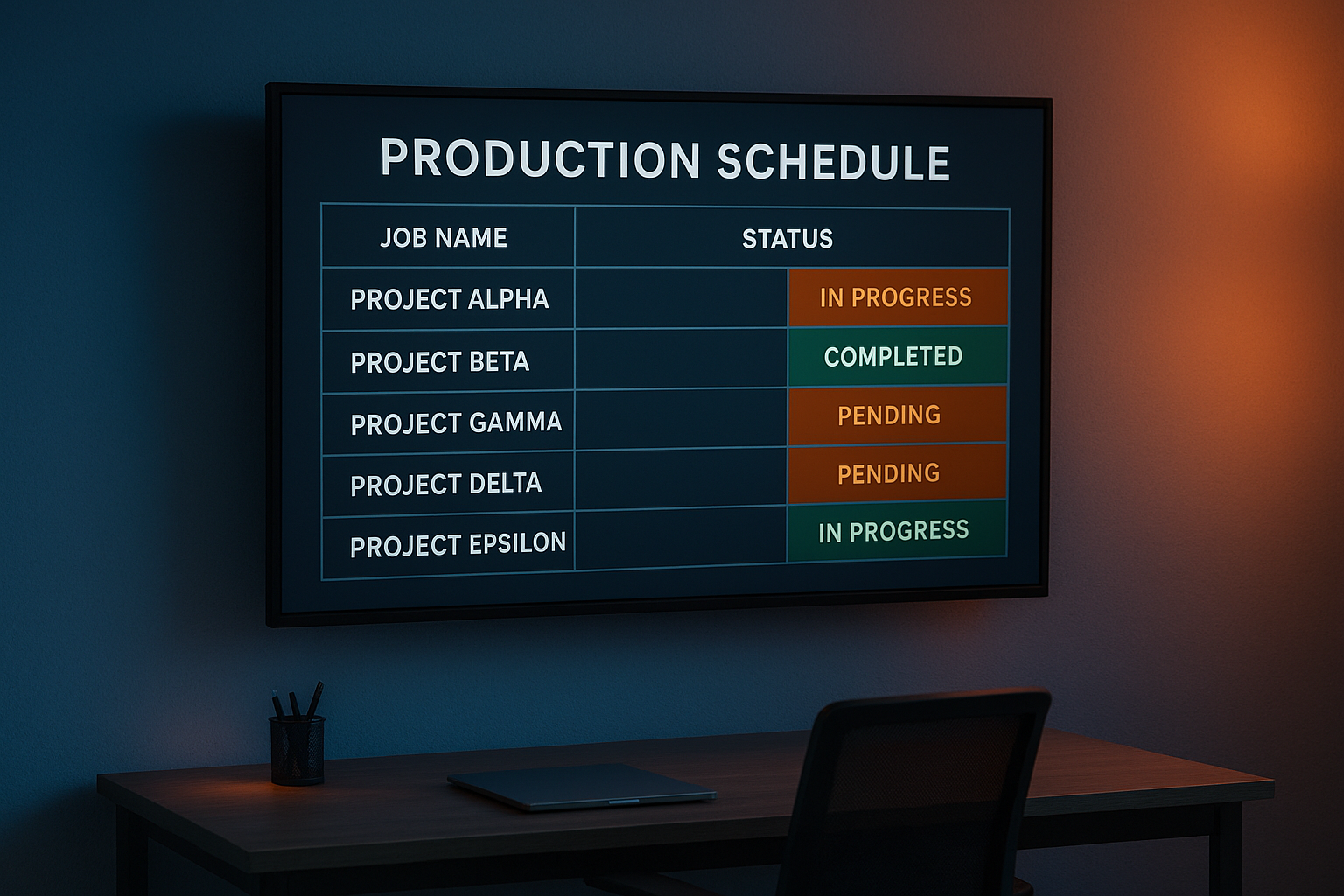
A shared TV job board keeps production crews aligned on job status.
Bringing It All Together
In the end, home improvement business management software works best when it genuinely connects every stage of a job rather than handling only one piece of the process. From the first call through estimates, signatures, payments, materials, production, and final payment, a connected workflow reduces administrative work and keeps office, sales, and production teams aligned. Whether a company runs a small crew or manages multiple locations, choosing software with configurable setup, real data migration, and hands-on training makes the transition smoother. If your team is ready to see how this looks in practice, you can book a personalized workflow demo through LeadFlow and walk through how your current process would map onto a connected system.
Frequently Asked Questions About Home Improvement Business Management Software
What is home improvement business management software?
Home improvement business management software is a digital system that connects leads, appointments, estimates, payments, materials, and production into one shared record for each job. It replaces scattered spreadsheets and disconnected tools with a single workflow that office, sales, and production teams can all see.
How does home improvement business management software improve daily operations?
It reduces duplicate data entry by letting one job record carry information from the first call through final payment. As a result, staff spend less time re-entering details and more time moving jobs forward.
Why do home improvement companies need a connected CRM instead of spreadsheets?
Spreadsheets do not automatically connect appointments, estimates, payments, and production, so handoffs often get missed or delayed. A connected workflow CRM keeps every department working from the same, current job information.
How much does home improvement business management software typically cost?
Pricing usually depends on the number of users and features needed, and many providers offer month-to-month plans instead of long-term contracts. LeadFlow, for example, publishes plan details on its pricing page and allows cancellation at any time.
How long does it take to set up a workflow CRM for a home improvement company?
Setup time varies by company size and data complexity, but done-for-you onboarding can include account configuration, data migration, user setup, and live training within a defined launch window. Companies with simpler workflows and smaller teams often launch faster.
What is the difference between a general CRM and home improvement business management software?
A general CRM typically tracks contacts and deals, while home improvement business management software adds job-specific tools like estimates, material orders, production milestones, and job costing. This difference matters because contracting work involves physical production stages that a generic CRM does not track.
Can existing leads and jobs be migrated into new software?
Yes, existing leads and jobs can usually be migrated from spreadsheets or a previous CRM during onboarding. This preserves customer history instead of forcing a company to start from a blank slate.
What common mistakes do companies make when adopting new management software?
Common mistakes include skipping team training, failing to migrate historical job data, and not mapping the software to an existing workflow before launch. Each of these gaps can slow adoption and create duplicate work in the first few months.
What training and onboarding support should companies expect?
Reasonable onboarding support includes account configuration, data migration, user and role setup, and live team training sessions. Ongoing support should also be available after launch as teams adjust to new routines.
Is company and customer data kept private and secure?
Reputable platforms give each company an isolated, private workspace so job and customer data is not shared across accounts. Companies should confirm this isolation directly with any provider before migrating sensitive records.
What happens if a home improvement company's team grows?
Most workflow CRMs offer tiered plans that scale with team size, moving from small-team plans up to options built for larger teams or multiple locations. This lets a company upgrade without switching systems as headcount increases.
Does home improvement business management software require a long-term contract?
Not necessarily. Some providers, including LeadFlow, offer month-to-month plans that can be canceled at any time instead of locking companies into long-term agreements.
What reporting features should contractors look for?
Useful reporting covers sales performance, job costing, production milestones, and marketing results tied to the same job records. This gives owners a single view of operations instead of pulling numbers from several disconnected tools. For general small business financial guidance, the U.S. Small Business Administration also offers free resources on managing operations.