Job Management Software for Home Improvement Companies
Job management software for home improvement companies connects leads, estimates, payments, and production in one workflow. Book a demo today.
Job management software for home improvement companies connects leads, estimates, scheduling, payments, materials, and production inside one system, rather than scattering job details across spreadsheets, text threads, and separate apps. As a result, office staff, sales representatives, and production crews can see the same job information at the same time. This guide looks at how job management software for home improvement businesses works, which features matter most, and how a growing team can choose the right platform.
Quick answer: Job management software for home improvement companies is a connected workflow CRM that links leads, appointments, estimates, signatures, payments, material orders, and production tracking around each job. It replaces disconnected spreadsheets and apps with one shared system so office, sales, and crew teams stay aligned from the first call through final payment.
What Is Job Management Software for Home Improvement?
Job management software for home improvement is a digital system built to organize every stage of a remodeling or installation project, from the first customer inquiry to the final invoice. Unlike a spreadsheet or a basic contact list, this kind of platform automates a workflow (a repeatable sequence of connected tasks) and keeps lead details, scheduling, estimates, signed contracts, payments, and production notes tied to the same job record.
In practice, most home improvement companies juggle several disconnected tools: a calendar for appointments, a separate estimating tool, email for material orders, and a whiteboard for production. Consequently, information gets lost between handoffs, and office staff re-enter the same data more than once. According to the Joint Center for Housing Studies at Harvard University, U.S. home improvement spending has remained above $450 billion annually in recent years, which means the volume of jobs that offices, sales teams, and crews must coordinate has grown substantially. Therefore, a connected system that tracks each job from quote to completion has become an operational necessity rather than a convenience.
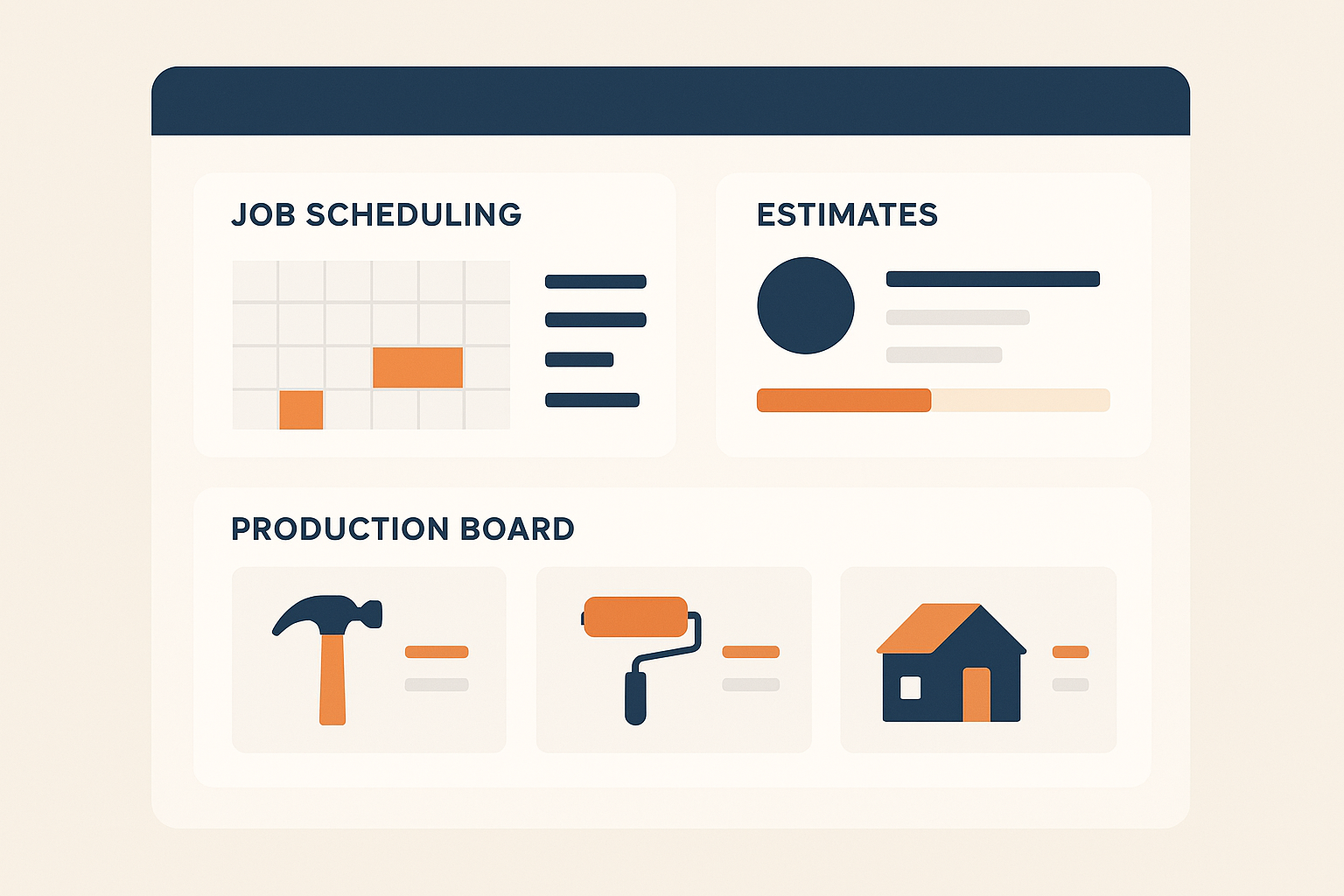
A connected dashboard view of job management software for home improvement teams.
Why Home Improvement Companies Need Connected Job Management
Home improvement companies often lose money not from bad leads, but from poor handoffs. For example, a sales rep might close a deal and forget to notify production, or a material order might go out with the wrong measurements because the estimate never reached purchasing. In contrast, connected job management keeps every department working from the same job file, so these breakdowns become far less common.
Similarly, disconnected systems make it hard to answer simple questions quickly, such as which jobs are behind schedule. A workflow CRM (a customer relationship management system built around job stages, explained further on Wikipedia) solves this by giving office staff, sales reps, and crews a shared view of every active job. Above all, this reduces administrative burden, since staff no longer update several spreadsheets after every call or signed contract. Learn more about how leads flow into this process on the lead management tour.
Core Features of a Home Improvement Workflow CRM
A true workflow CRM for home improvement companies should cover the entire job lifecycle, not just the sales stage. The following features typically separate a connected platform from a basic contact manager:
- Lead and prospect tracking with call queues and follow-up reminders
- Appointment scheduling tied to each customer record
- Online estimates with photos and digital signatures
- Deposit and payment collection linked to the job
- Material ordering connected directly to the relevant job
- Automatic production job creation once a sale is recorded
- Milestone tracking and a visual TV job board for the office
- Reporting on sales performance, job costing, and marketing results
Together, these features remove the need for separate spreadsheets or standalone estimating tools. Instead, every stage of a job stays connected to the one record that started the process, which also makes reporting more accurate because the data never needs to be re-entered.

Office and production teams reviewing a job schedule in the field.
From First Call to Final Payment: A Step-by-Step Workflow
A connected workflow generally follows a similar sequence across most home improvement companies, although exact steps vary by trade. For instance, a typical job might move through the following stages:
- Capture the lead and book the appointment. The system records contact details, lead source, and first-call notes, then schedules the in-home or virtual visit automatically.
- Build and send the estimate. The sales rep creates an itemized estimate with photos and pricing, then sends it for an online signature.
- Collect the deposit and convert to production. Once the customer signs and pays, the job automatically becomes a production record instead of an open lead.
- Order materials tied to the job. Office staff email material orders directly from the job record, keeping purchasing history linked to the correct address.
- Track milestones through completion. Crews update job status on a shared board, so staff and customers always know the project stage.
- Collect final payment and report on the job. After installation, the system generates the final invoice, records payment, and rolls data into job-costing reports.
Choosing Job Management Software for Home Improvement Companies
Selecting job management software for home improvement companies starts with an honest look at team size and growth plans. A solo operator or small crew may only need support for a few users, while an established company with multiple sales reps and crews needs a plan built for larger teams. For example, LeadFlow structures plans around team size: Starter supports up to 3 users, Pro supports up to 10, Business supports up to 25, and Enterprise plans are available for larger teams or multiple locations. Because every plan is billed month-to-month and can be canceled at any time, companies are not locked into a long-term contract while evaluating the fit.
In addition to team size, consider onboarding. Done-for-you onboarding — including configuration, migrating existing leads and jobs from spreadsheets or a prior CRM, user setup, and live team training — gets a team working inside the new system faster. Pricing details for each plan are available on the LeadFlow pricing page.

Estimates and signatures connected to a single job record.
How LeadFlow Fits Into Home Improvement Job Management
LeadFlow is a connected workflow CRM built specifically for home improvement companies and is a product of JMB Business Solutions. Rather than treating leads, estimates, payments, materials, and production as separate tools, LeadFlow ties them to the same job record from the first call through the final payment. Specifically, when a sales rep records a sale, the system can automatically create a production job, so office staff do not need to re-enter details elsewhere.
Because each company works inside an isolated, private workspace, job and customer data stays separate from other businesses on the platform. Teams that want to see the workflow in action can explore the product tour or review the overview at leadflowcrm.info. For companies ready to go further, booking a personalized workflow demo allows a team to walk through its own job stages with LeadFlow staff before deciding.
Frequently Asked Questions About Job Management Software for Home Improvement
What is job management software for home improvement?
Job management software for home improvement is a connected system that tracks leads, appointments, estimates, signatures, payments, materials, and production around each job. It replaces separate spreadsheets and apps with one shared workflow for office, sales, and production teams.
How is job management software different from a basic CRM?
A basic CRM typically stops at contact and lead tracking, while job management software continues through estimates, payments, materials, and production. It manages the entire job lifecycle rather than only the sales relationship.
How much does LeadFlow cost?
LeadFlow pricing is organized by team size, with Starter, Pro, Business, and Enterprise plans billed month-to-month. Exact pricing for each tier is listed on the LeadFlow pricing page.
What is included in LeadFlow onboarding?
Onboarding can include account configuration, migrating existing leads and jobs, user setup, and live team training. This helps a team start working inside the system without a long learning curve.
Can existing leads and jobs be migrated into the system?
Yes, existing leads and jobs can be migrated from spreadsheets or a previous CRM as part of onboarding. A company does not need to start from a blank system on day one.
What happens if a home improvement team grows?
Teams can move to a higher plan as they add users, from Starter up to Business, and Enterprise plans cover larger teams or multiple locations. Because plans are month-to-month, there is no long-term contract to renegotiate.
Is company data kept private and secure?
Each company using LeadFlow receives an isolated, private workspace that separates its data from other businesses on the platform. This structure keeps job and customer information contained to the company that owns it.
How long does it take to set up job management software?
Setup time varies by company size and how much historical data needs migrating. Done-for-you onboarding, including configuration and data migration, is designed to shorten that timeline before training begins.
What common mistakes do home improvement companies make without job management software?
Without a connected system, companies often duplicate data entry, lose track of material orders, or forget to notify production when a sale closes. Over time, these breakdowns lead to missed deadlines and frustrated customers.
Does job management software connect estimates, payments, materials, and production?
Yes, a connected workflow CRM links estimates, signatures, deposits, material orders, and production milestones to the same job record. This is a key difference between job management software and a standalone estimating tool.
What reporting capabilities should home improvement job management software include?
Useful reporting typically covers sales performance, job costing, and marketing results, so owners can see which jobs are profitable. Reporting works best when it pulls directly from the same records used for estimates and production.
Can the workflow be reviewed before booking a demo?
Yes, companies can review how the platform works through a product tour before scheduling a personalized workflow demo. This lets a team see how leads, estimates, and production connect before committing.
What is the cancellation policy for LeadFlow plans?
LeadFlow plans are offered month-to-month, and customers can cancel at any time. No long-term subscription contract is required.
Conclusion
Job management software for home improvement companies brings leads, estimates, payments, materials, and production into one connected workflow, which reduces duplicate data entry and keeps office, sales, and production teams aligned. As home improvement spending continues to represent a substantial share of the economy, according to the U.S. Bureau of Labor Statistics, companies that coordinate jobs through one system are better positioned to scale without adding unnecessary administrative work. Whether a team is a solo operator or a multi-location company, choosing job management software for home improvement that fits its current size — and can grow with it — makes the entire job lifecycle, from the first call to the final payment, easier to manage.